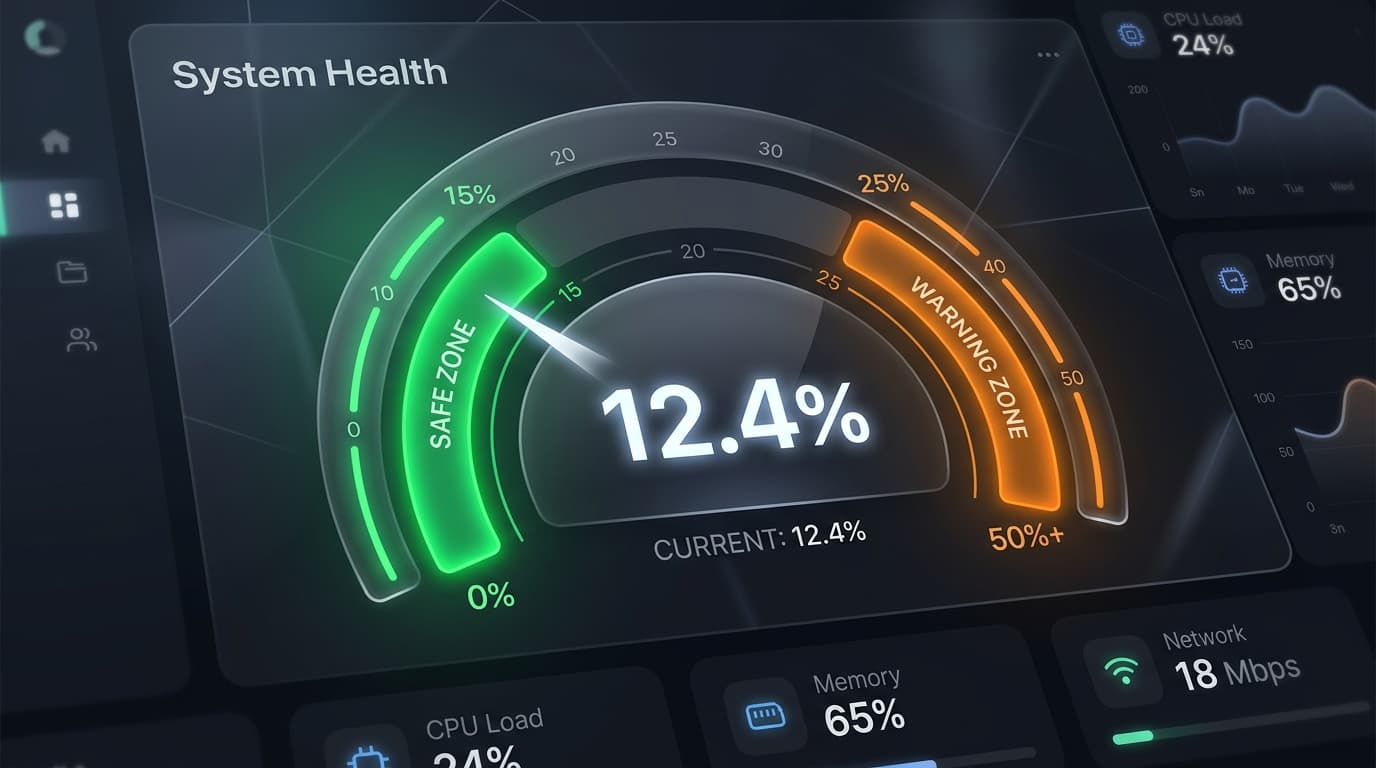
Direct Answer: Generally, a good turnitin similarity score is under 15%. Most universities in the US, UK, and Canada consider a similarity index between 1% and 15% as safe, indicating normal citation practices and original research. Any score above 25% is a red flag that usually triggers a manual plagiarism investigation by instructors.
When your instructor uploads your paper to Turnitin, the system compiles a similarity report. It matches your text against an enormous database of web pages, journals, books, and past student submissions. The output is a percentage score (the similarity index) coupled with color-coded highlight flags.
However, interpreting a Turnitin percentage is not as simple as “high percentage equals cheating.” Let's break down what Turnitin percentage colors mean, how institutions grade them, and how you can ensure your paper stays in the safe zone.
Understanding Turnitin Percentage Colors
Turnitin does not classify papers as “plagiarized” or “not plagiarized.” Instead, it groups papers into five color bands based on the overall volume of matching text:
- Blue (0%) — No matching text. While this seems ideal, a flat 0% similarity is highly unusual for research papers. It can suggest that you haven't cited any external sources or references, or that the document has been heavily masked.
- Green (1% to 24%) — The standard safe zone. This range represents normal academic writing, featuring standard terminology, correctly formatted quotes, and list of references.
- Yellow (25% to 49%) — Moderate similarity. This level indicates either poor paraphrasing, excessive direct quotes, or a failure to properly format block quotes.
- Orange (50% to 74%) — High similarity. A large portion of the paper has been copied directly from sources. This will almost certainly result in academic disciplinary action unless the paper is a literature review with extensive references.
- Red (75% to 100%) — Critical similarity. The document is almost entirely copy-pasted or matches a previously submitted paper in the Turnitin database.
What Is an Acceptable Similarity Index in US, UK, and CA?
Different universities and course levels have different standards for what is considered an “acceptable” percentage:
| Similarity Range | Status | Typical Action Required |
|---|---|---|
| 0% | Suspiciously Low | Ensure you have cited sources. Instructors may check if you used text-replacement tricks to bypass detection. |
| 1% – 15% | Excellent / Safe | No action needed. Fits normal academic research bounds. |
| 16% – 24% | Borderline Safe | Double-check that all common matches are properly cited in APA, MLA, or Harvard formats. |
| 25% – 49% | Risky Zone | Revise. Rewrite matching passages in your own voice. Replace some direct quotes with paraphrasing. |
| 50%+ | High Risk / Red Flag | Rewrite immediately. High probability of failing the assignment or academic inquiry. |
Common Triggers That Artificially Inflate Your Score
Many students panic when their similarity percentage is higher than expected. Often, this is due to non-plagiarism matches that Turnitin flags by default:
- Common Phrases and Terminology — Standard definitions, legal terms, scientific formulas, and common industry phrases cannot be phrased differently and will be flagged.
- Bibliography and References List — Because citation lists match exactly, Turnitin flags the entire reference section at the end of your document.
- Direct Quotes — Even if properly cited and wrapped in quote marks, Turnitin will flag them as matching source text unless the instructor has manually enabled the “Exclude Quotes” filter.
- Template Text / Coversheets — Submission templates, coversheets, and declaration statements required by colleges will be matched across all students in your class.
How to Keep Your Turnitin Score Safe
To ensure your paper passes similarity checks successfully, follow these best practices before uploading:
- Paraphrase Thoroughly — Don't just swap a few words for synonyms. Read the source, close the tab, and write the concept from memory in your own unique voice.
- Exclude Bibliographies — If you are using a self-check tool, enable options to filter out reference pages to see your true text similarity.
- Use Direct Quotes Sparingly — Direct quotes should represent less than 10% of your total word count. Rely on analysis and synthesis instead of copying text block-by-block.
- Generate a Pre-Submission Report — Check your work using a private plagiarism report generator before official submission to identify accidental matches and fix them in advance.
Frequently Asked Questions
Can Turnitin detect plagiarism if I cite the source?
Turnitin will highlight the matching text, but your instructor will manually review it. If it is properly cited and wrapped in quotes, it is considered academic integrity, not plagiarism, regardless of the highlight.
What happens if I get a 0% Turnitin similarity score?
While not an automatic failure, a 0% score is rare for essays. It indicates that you have no shared phrases or standard references with the internet, which can look highly unnatural to professors checking for reference depth.
How do I lower my Turnitin percentage fast?
The fastest way is to find highlighted blocks in your report, rewrite them completely using a different sentence structure, reduce direct quotes, and make sure standard declarations or tables are not copy-pasted.
Verify Your Score Prior to Uploading
Don't leave your grade to chance. Learn how to generate a Turnitin report online in under 10 seconds, check your scores privately, and edit any flagged sections before your professor sees them.